Instruction
- How To Buy Used Machine
- How To Sell Used Machine
2)Go to “Services Offered” Page, select For Buyer - Select the Category you want to buy.
3)Click on the Machine you want to enquire about.
4)Fill up the Enquiry form and submit the details about the Used Machine you require.
5)You will receive a Confirmation on the Email provided in the form after Verification Of details provided by you.
6)We will Provide you the details of the seller in case the required Used Machine is listed on our website.
2)Go to “Services Offered” Page, Click on For Seller - Pricing Plan.
3)Select the Pricing Plan along with the plan period from PLANS & PRICING.
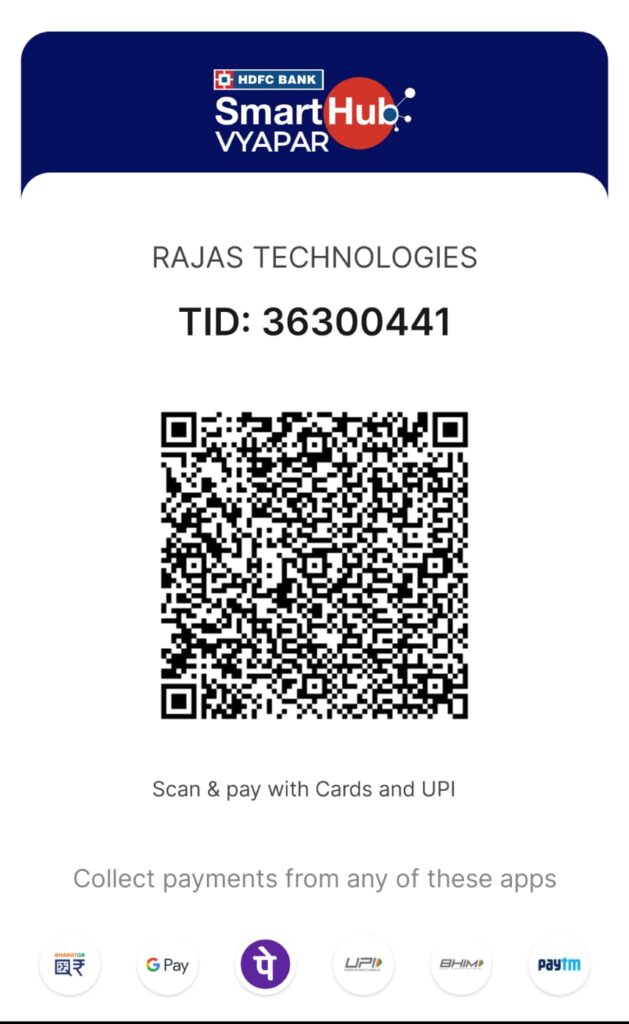
4)Make the Payment to the Bank Account:
ACCOUNT HOLDERS NAME
RAJAS TECHNOLOGIES
BANK NAME
HDFC BANK ACCOUNT
ACCOUNT NUMBER
50200072965200
ACCOUNT TYPE
CURRENT
BRANCH
CHAKAN
IFSC
HDFC0000746